

Imperia
Patch management
Windows updates without WSUS, third-party software through the package managers and your own packages — on rules you set once.
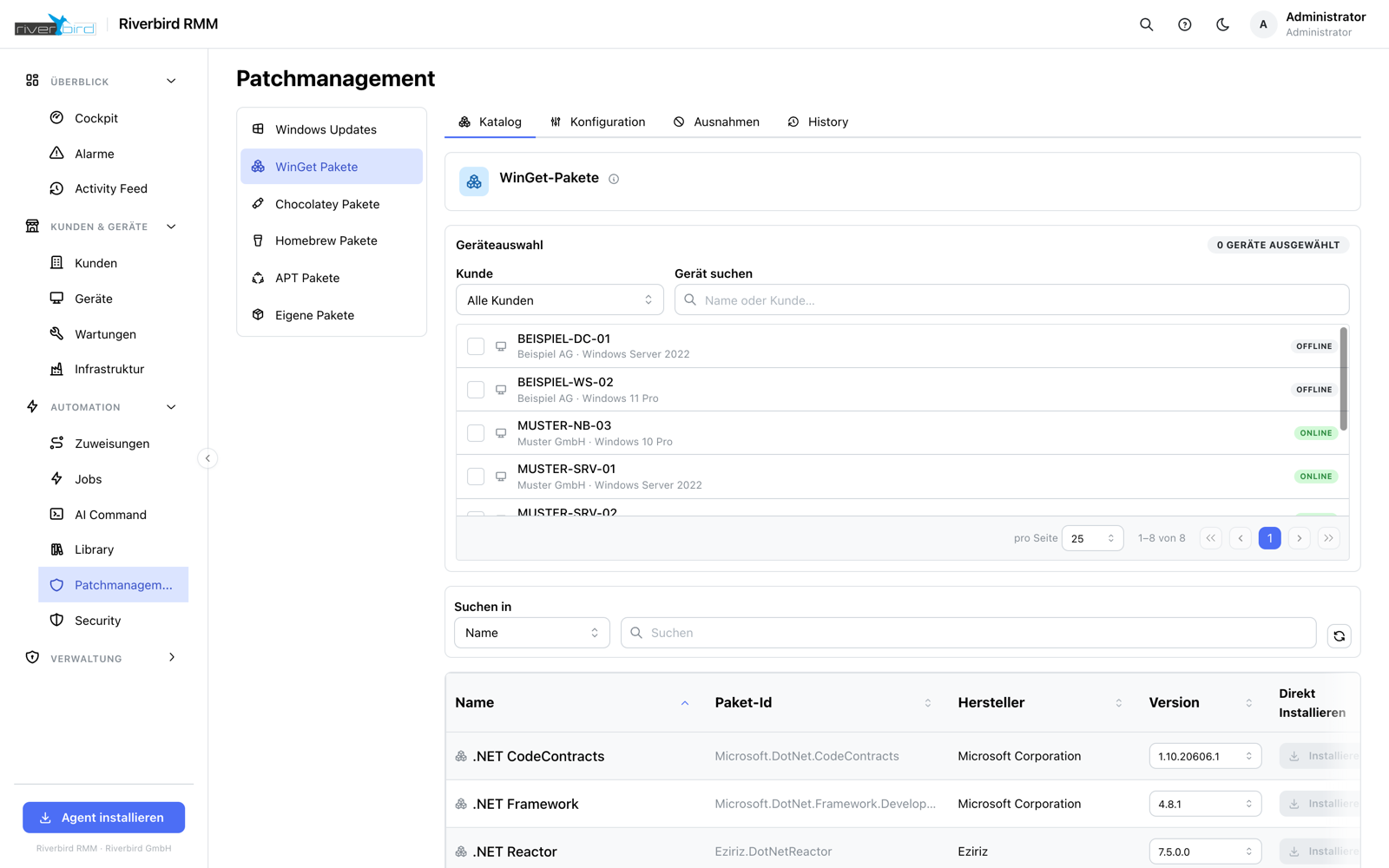
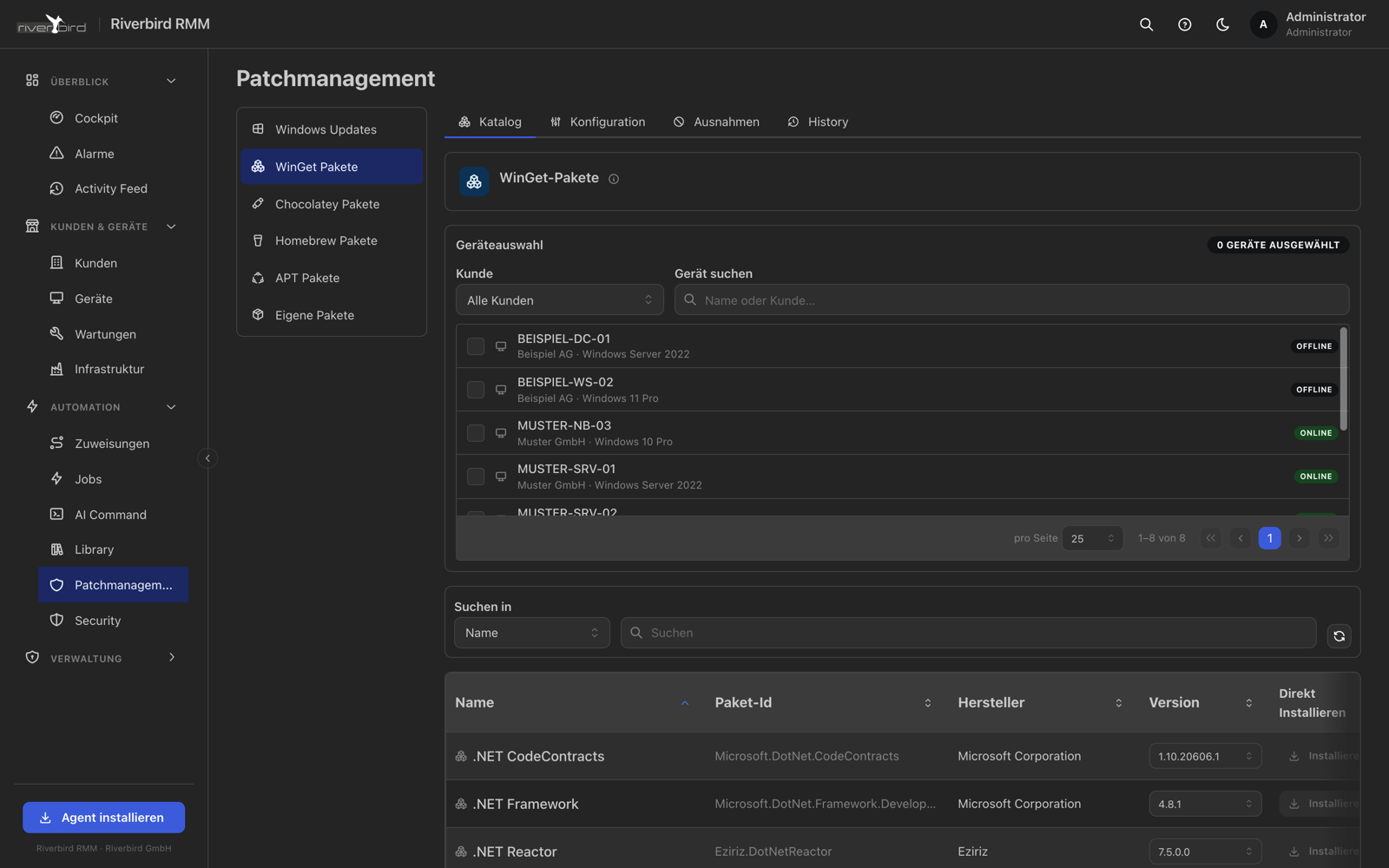
Imperia reads the update categories straight from the device and maps them onto a severity scale. You decide per category whether something is installed immediately, after a grace period, or not at all.
For everything outside Windows Update, Imperia uses the package manager of the system in question: winget and Chocolatey on Windows, Homebrew on macOS, apt on Linux. The same interface, the same rules, the same history.
Your own packages — MSI or EXE — go into S3-compatible storage and are rolled out the same way. Approved programs can be installed by end users themselves from the kiosk, without administrator rights and without calling you.
Patching in Imperia
Policies instead of manual work
Rules decide which device gets which policy. Where two overlap, the higher priority wins.
Pending updates across the estate
One list across all customers with bulk actions — not device by device.
Delay on purpose
Critical straight away, the rest after seven days: fast enough, and still not the guinea pig.
Remove it again too
Uninstalling software works the same way — on a single device or as a job across a rule.
A history you can show
What was installed when and on which device, with the outcome. Including as evidence for your customer.
A kiosk for end users
Approved programs are available on the device for self-service — no ticket, no admin rights.
See Imperia in your own environment
We will set up a trial instance for you and walk through together what Imperia can do for your customers.