

Imperia
AI Technician
A job in one sentence, a plan to look at, execution only after your approval. The AI Technician takes clicking off your hands — not decisions.
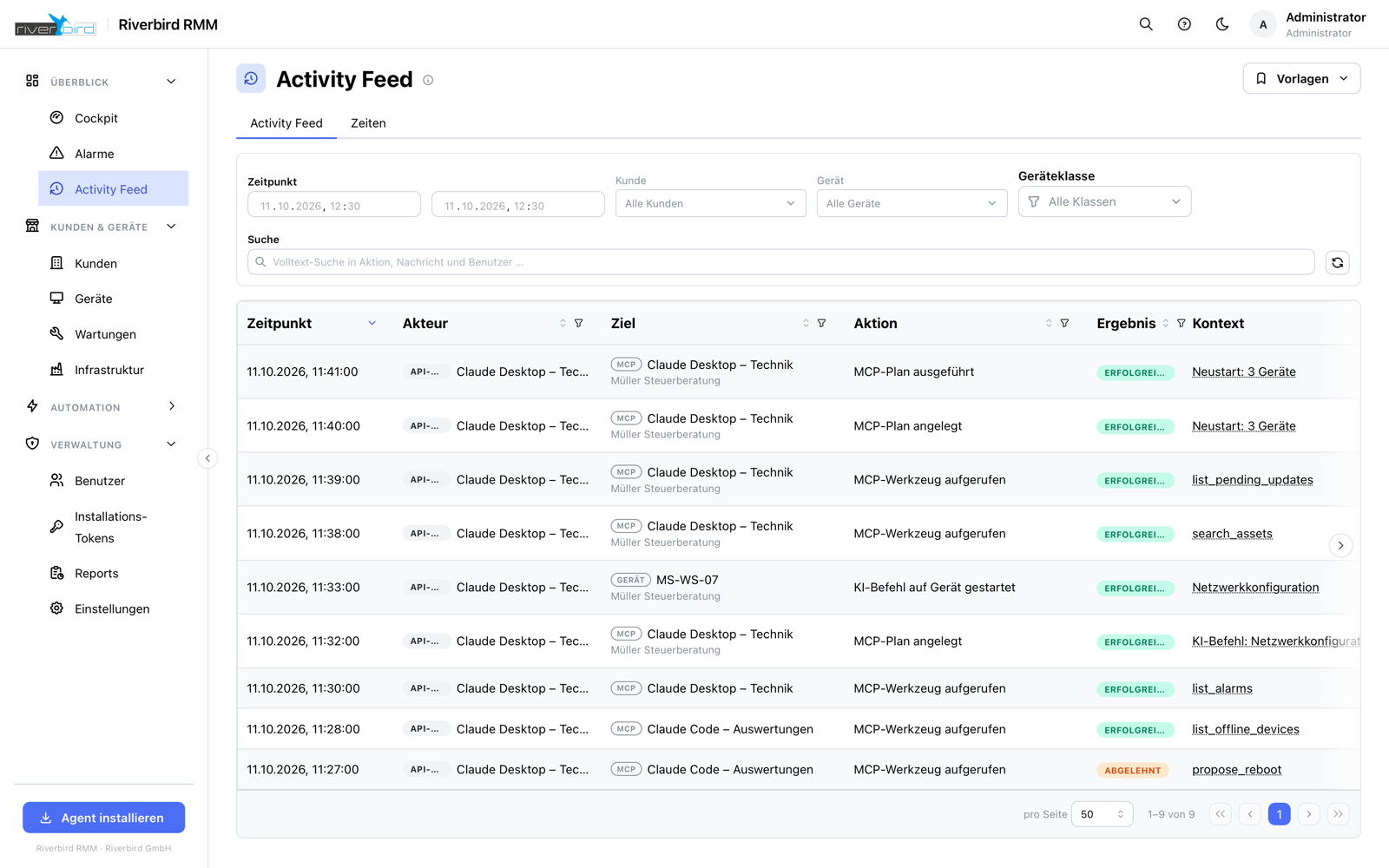
You write what should happen: „install the pending updates on all servers of this customer“ or „restart the print spooler on the devices reporting an error“. The AI Technician turns that into a plan.
The plan shows which devices and which customers are affected and what exactly will happen. Only your click sets it off. There is no route on which a change happens without approval — not a hidden one either.
Every plan, every approval and every single step appears in the activity feed, in plain language and with device names instead of identifiers. What was declined is in there just as much as what ran.
How the AI Technician works
Only approved tools
It may do exactly what you allow — and nothing beyond that.
Plan before execution
The devices and customers affected are on screen before the first step.
Reusable commands
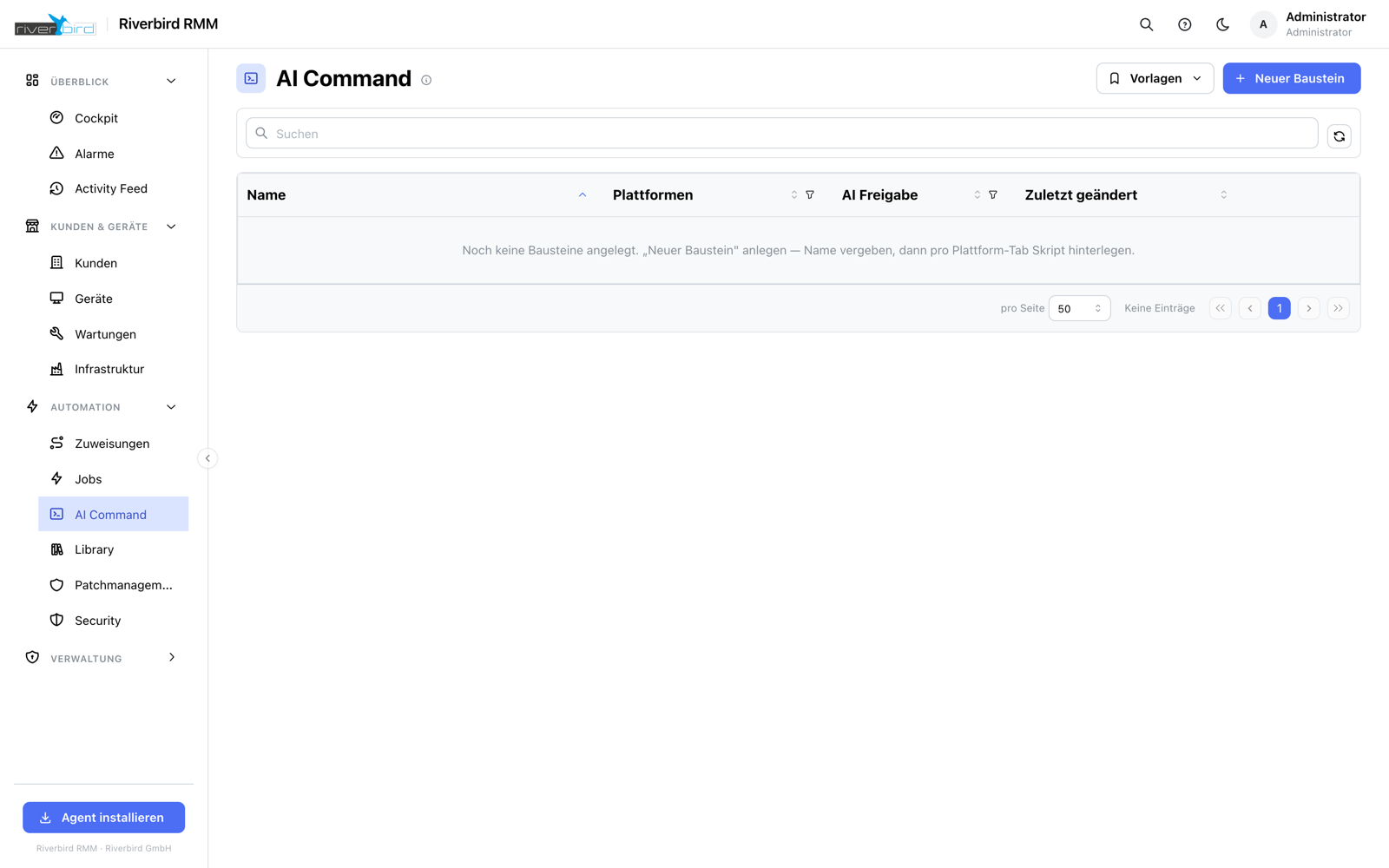
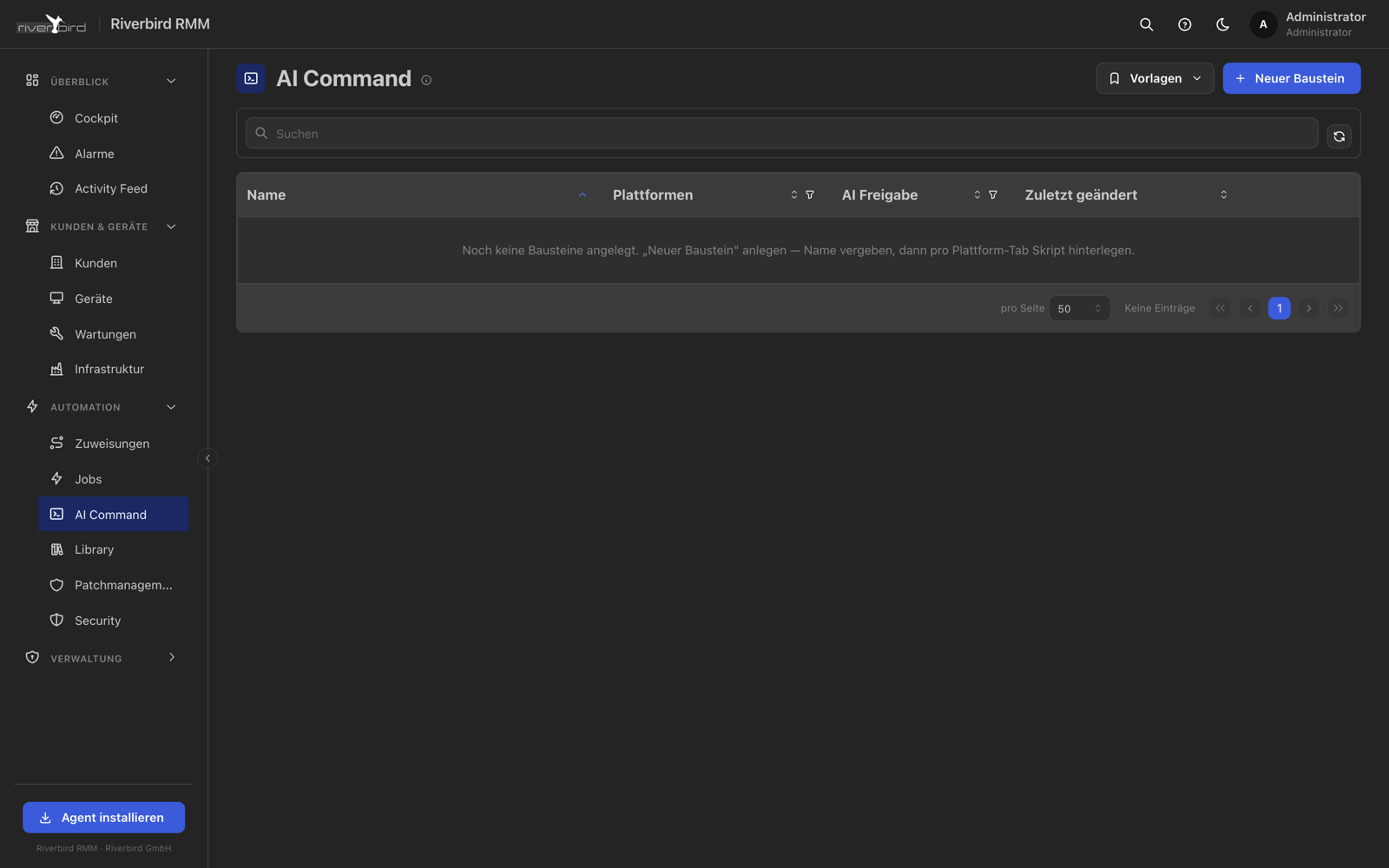
Frequent jobs are stored as an AI command, worded to fit each operating system.
Traceable in the record
Who approved which plan and when — including the ones that were declined.
For AI clients too
Through the MCP server, external AI tools work with the same permissions and the same obligation to get approval.
Can be switched off
The whole area can be disabled per instance if you would rather not have it.
See Imperia in your own environment
We will set up a trial instance for you and walk through together what Imperia can do for your customers.