Imperia
Remote support
Screen, shell, files, registry and event log — in the browser, without a VPN and without extra software on your side.
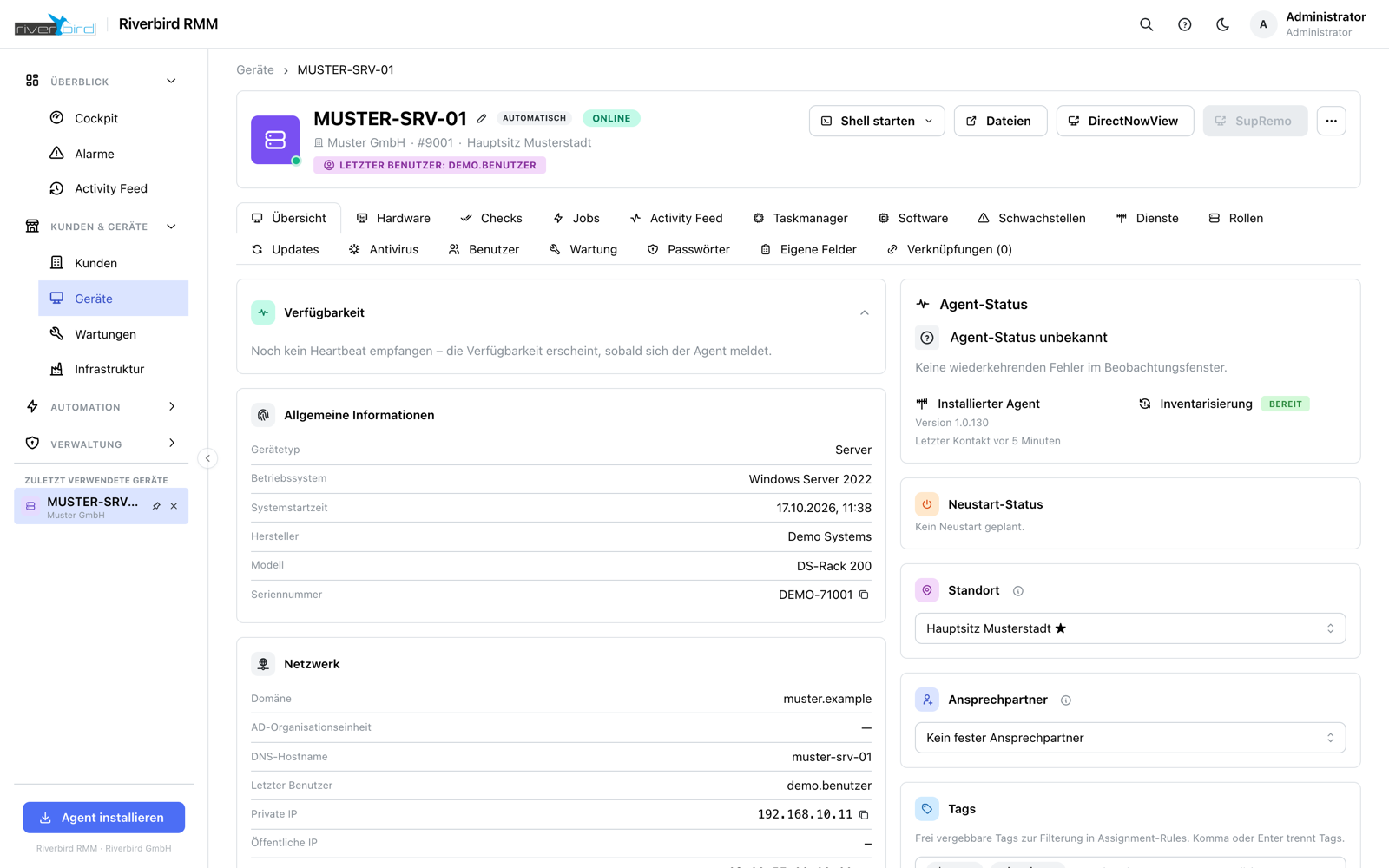
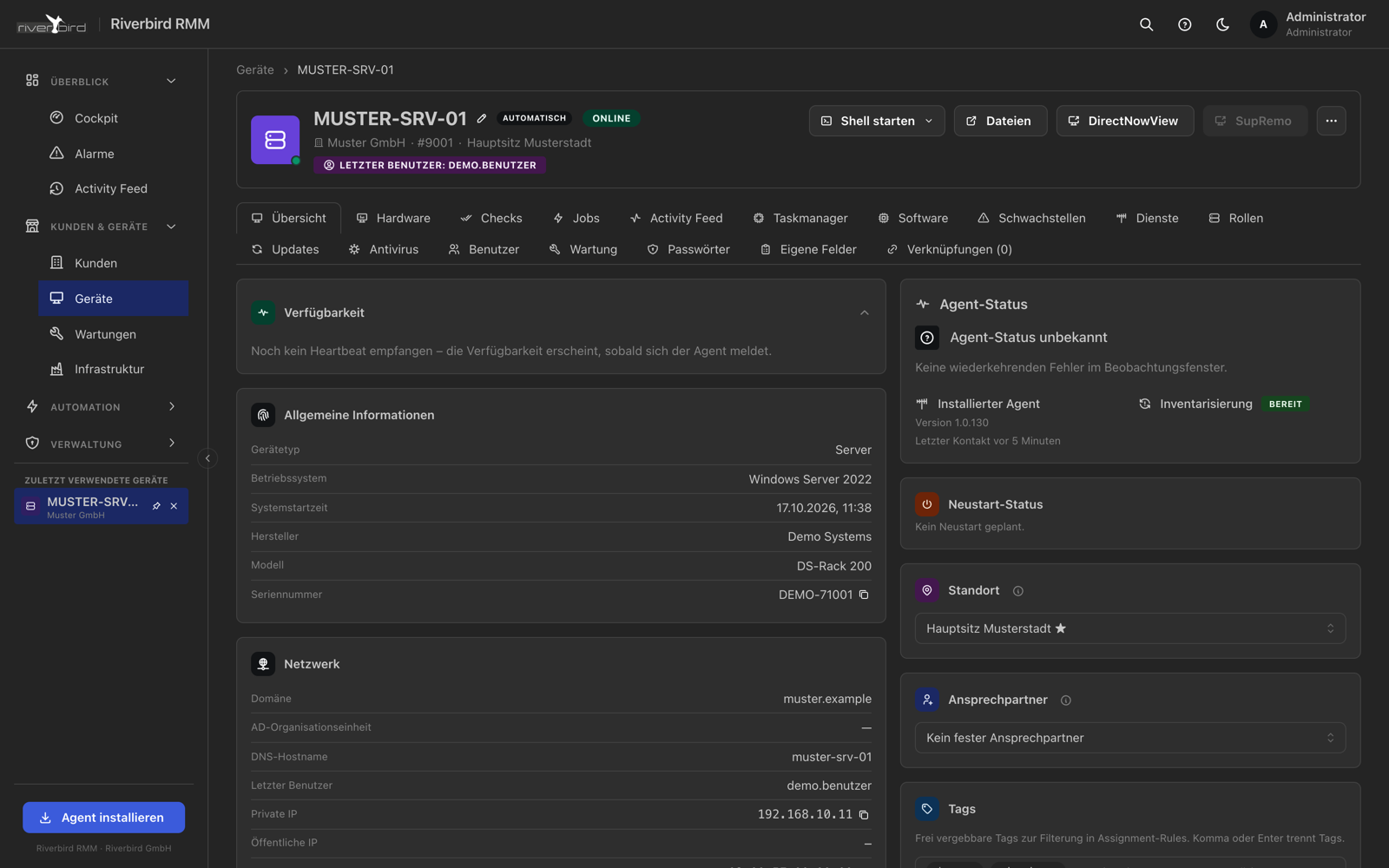
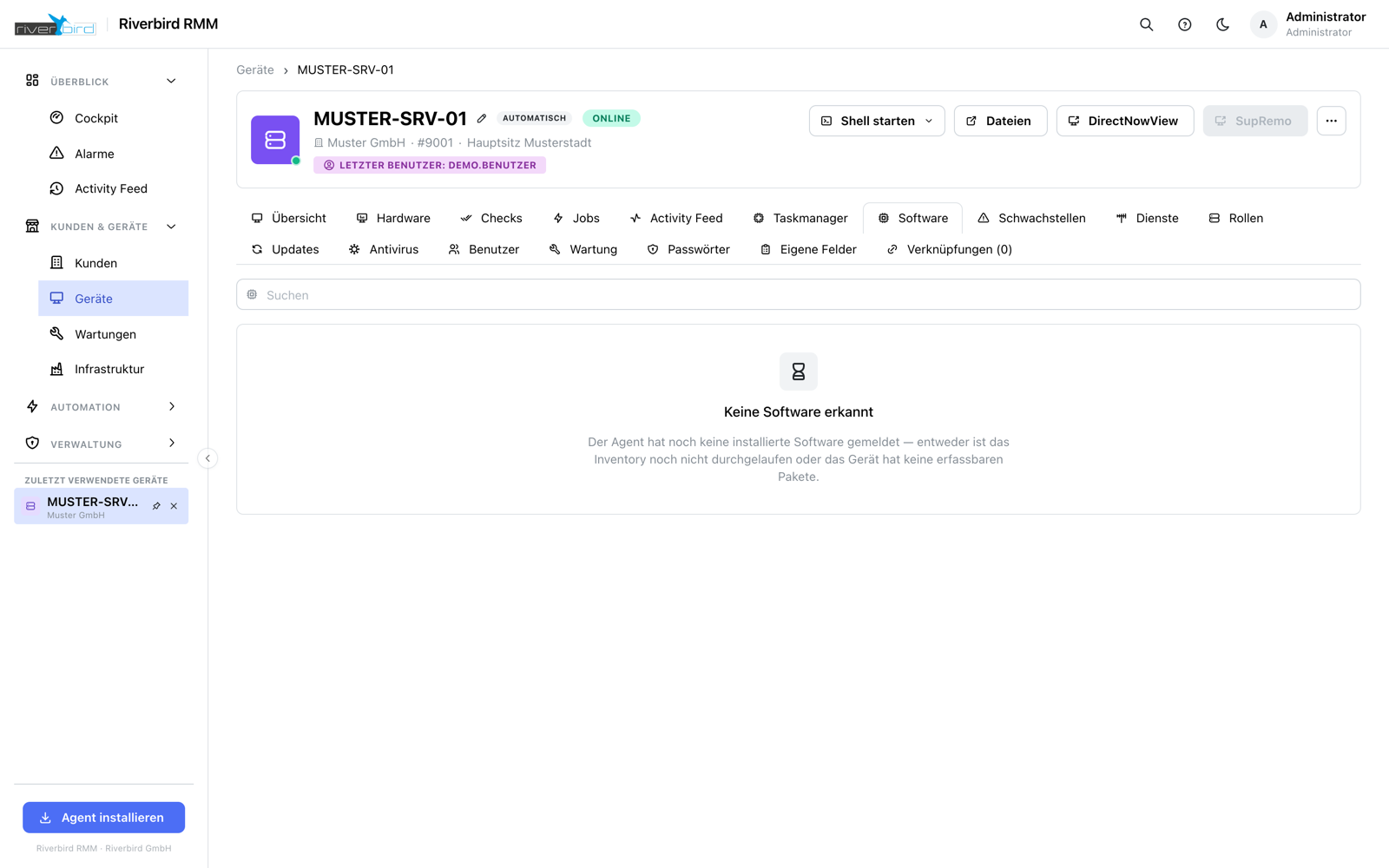
DirectNowView streams the device's screen into the browser. From the click to the first frame takes around two seconds with a warm agent, and the image arrives at the device's actual resolution — not as a scaled-down approximation.
The session works where many tools stop: at the lock screen, at the Windows sign-in and at prompts from User Account Control.
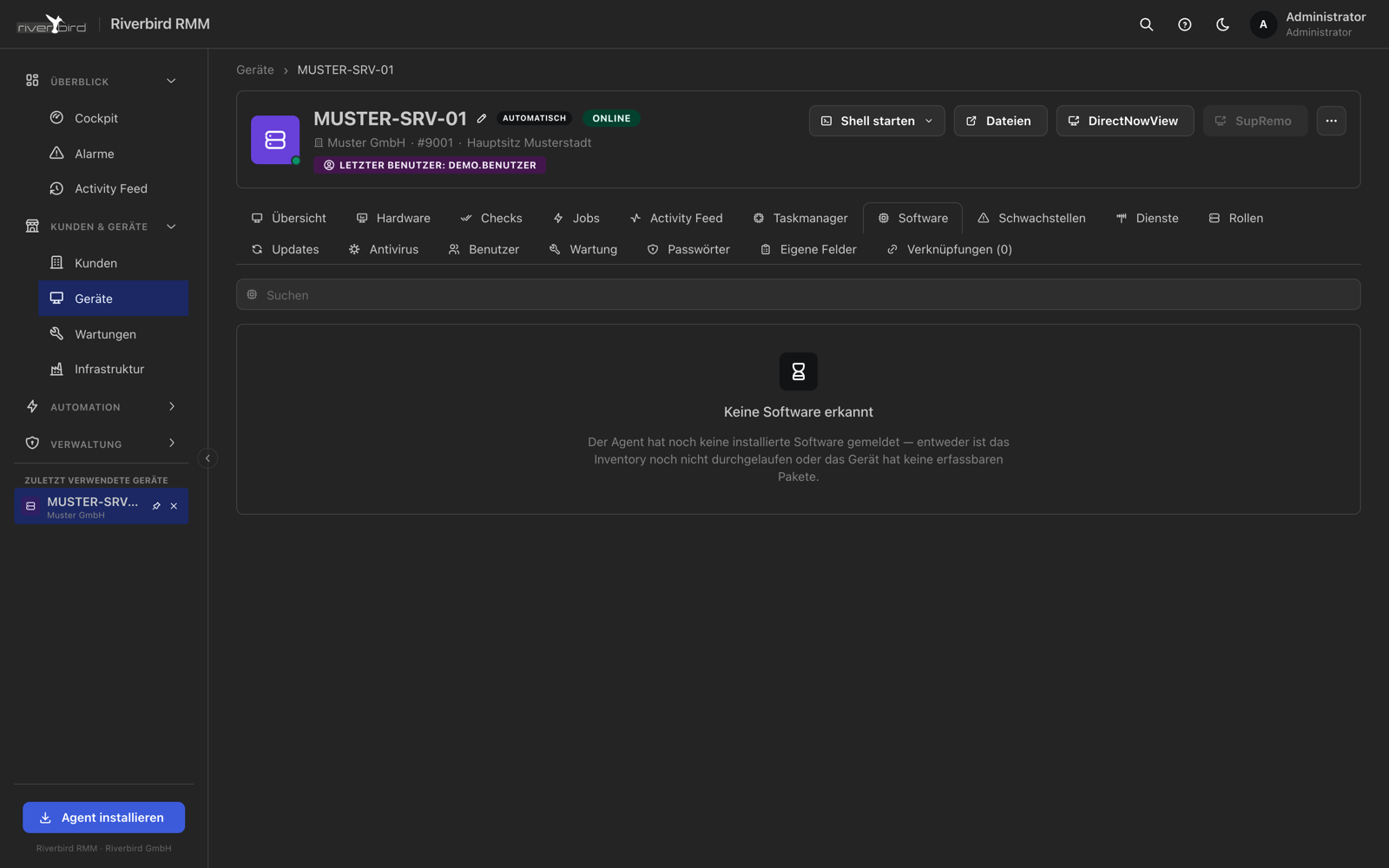
The same channel carries shell windows (Command Prompt, PowerShell, Terminal, Bash), file transfer, registry and event log. Several windows at once, each with the device and the customer in its title — so it stays clear where you are typing.
What remote support in Imperia can do
Clipboard in both directions
Text and files move between your machine and the device, including downloading from the device's clipboard.
Several shell windows
Sessions open side by side and movable, each with the device and the customer in its title.
Web interfaces without a VPN
Open a firewall, NAS or router on the customer network straight from the cockpit — the agent brokers the connection.
Device actions
Restart, shut down, Wake-on-LAN, control services, end processes, fetch the agent log.
Full screen with keyboard capture
Key combinations land on the device instead of in your browser.
Session times
Who was on which device, when and for how long — recorded cleanly, for billing too.
See Imperia in your own environment
We will set up a trial instance for you and walk through together what Imperia can do for your customers.